
Scheduling that
just works.
Find the best time to meet by comparing
everyone's availability.
Built for teams who need to sync up
See who's free — never what they're doing
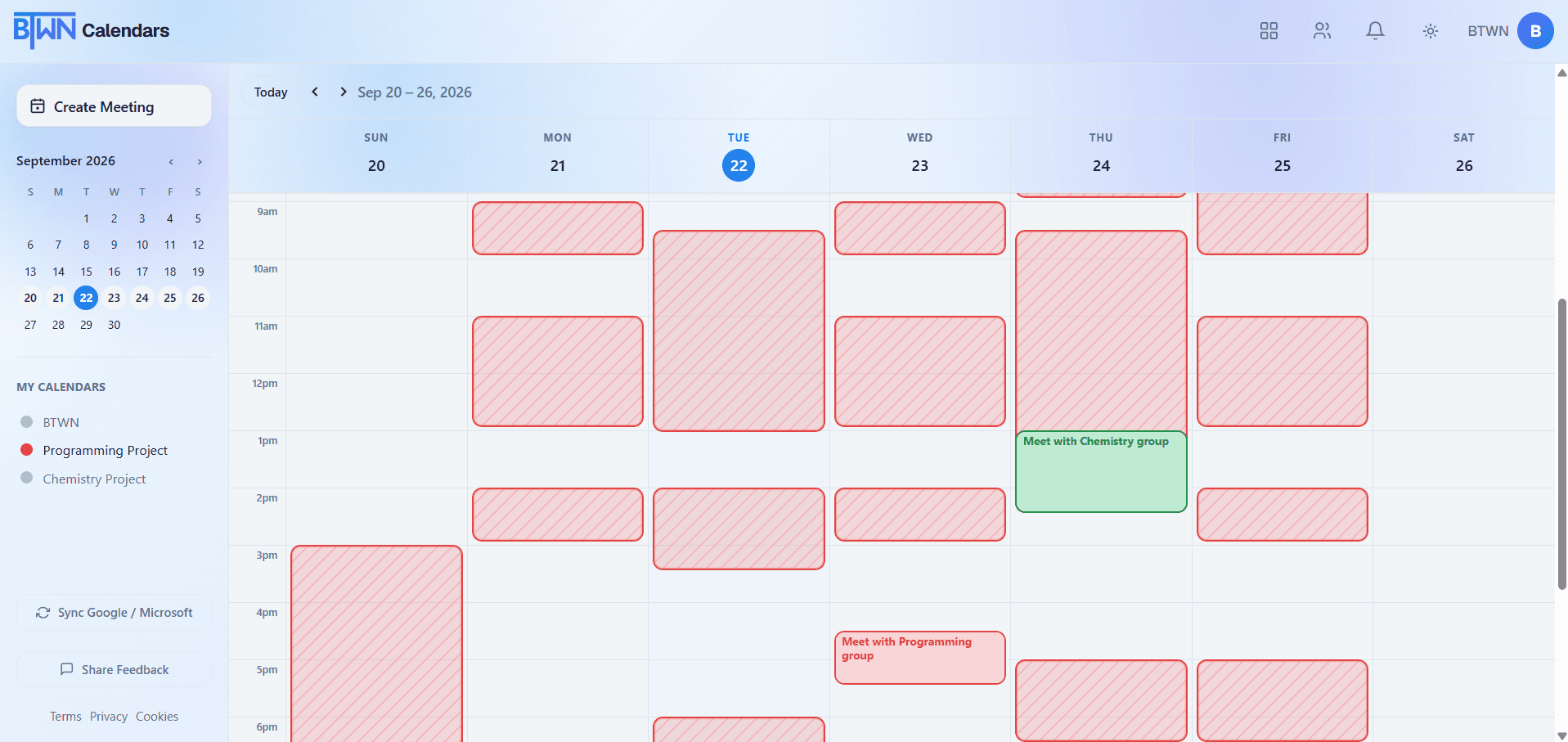
Toggle a team on from the calendars list on the left, and every member's schedule overlays onto yours, showing when your team is busy. No event titles, no descriptions, no details. An easy way to tell when everyone's free.
Your calendar
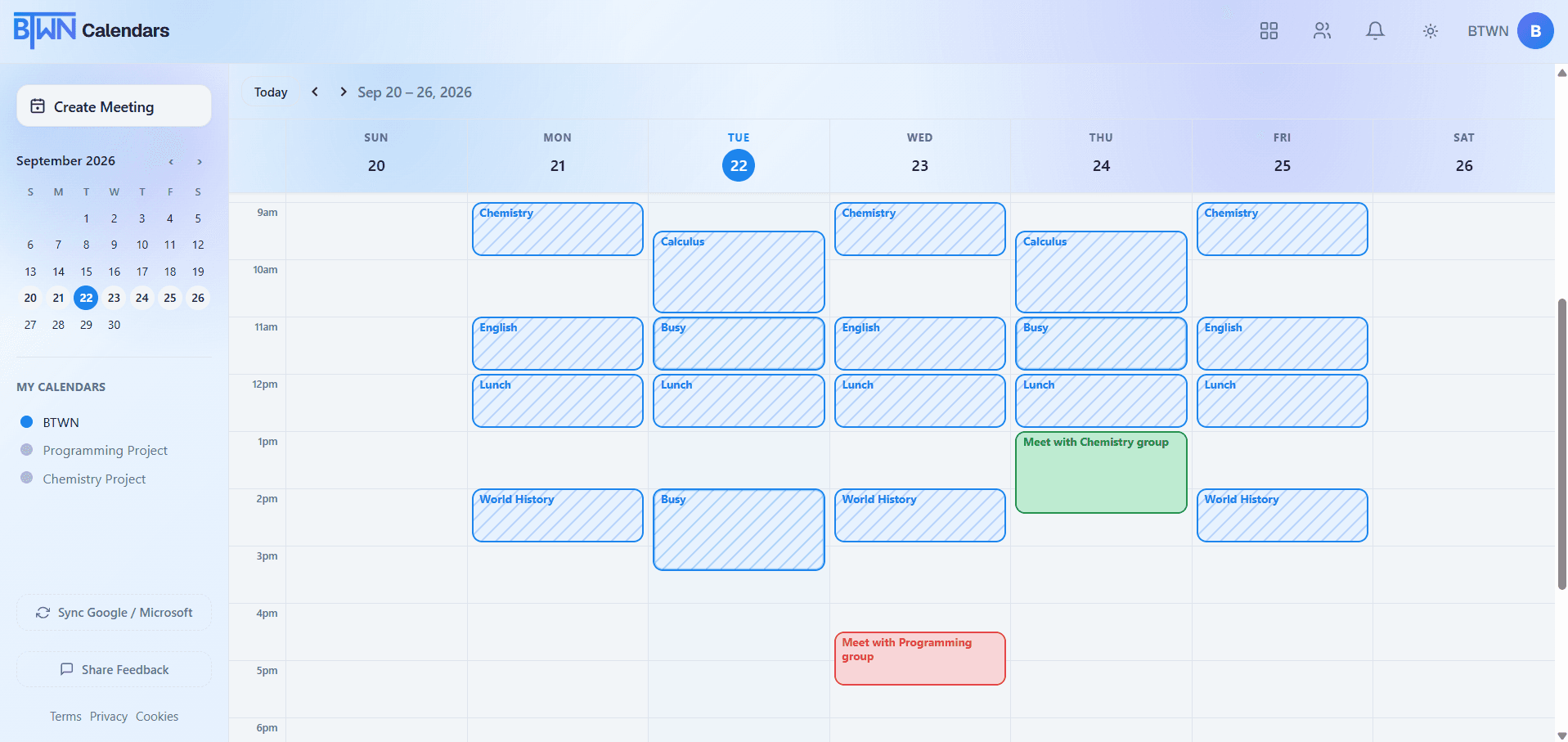
Toggle on a team's calendar…
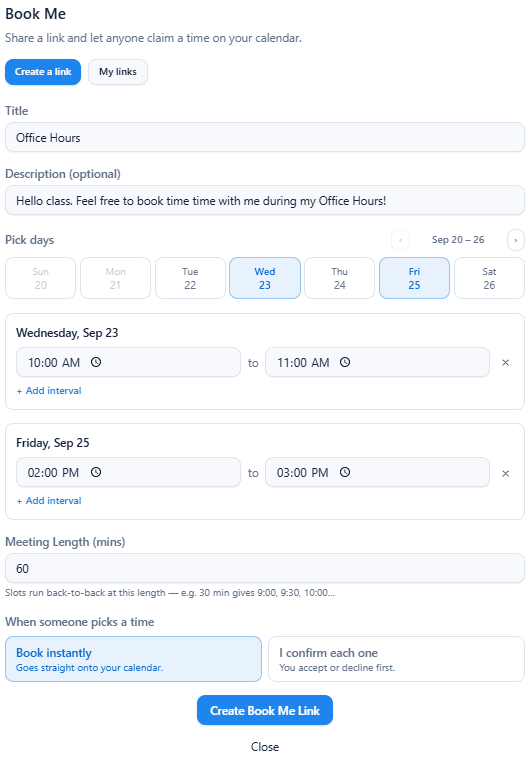
Let anyone book time with you
Share a Book Me link and let someone else pick a slot straight from your real availability. Set which days and times are open, how long a meeting should run, and whether bookings land on your calendar instantly or wait for your confirmation first.
Google & Outlook, kept in sync
Connect your existing Google and/or Microsoft calendar and choose exactly which of its calendars BTWN should use. Your events are automatically synced — no manual updates needed.
From invite to meeting in minutes
Sync your calendar
Connect Google or Microsoft so your availability is always current.
Create a team
Set up a team and invite your group through their email link.
Find a time
BTWN overlays everyone's schedule, highlighting when you're all free, and computes optimal times.
Book the meeting
Pick a slot and create the event — it lands on every member's connected calendar.
See BTWN in action

Ready to stop
playing calendar tag?
Join teams who've made “when are you free?” a thing of the past.